Prerequisites:
1. Docker Desktop
Download and Install Docker Desktop on your system. Make sure you are using Docker Desktop v4.27.2 and above.
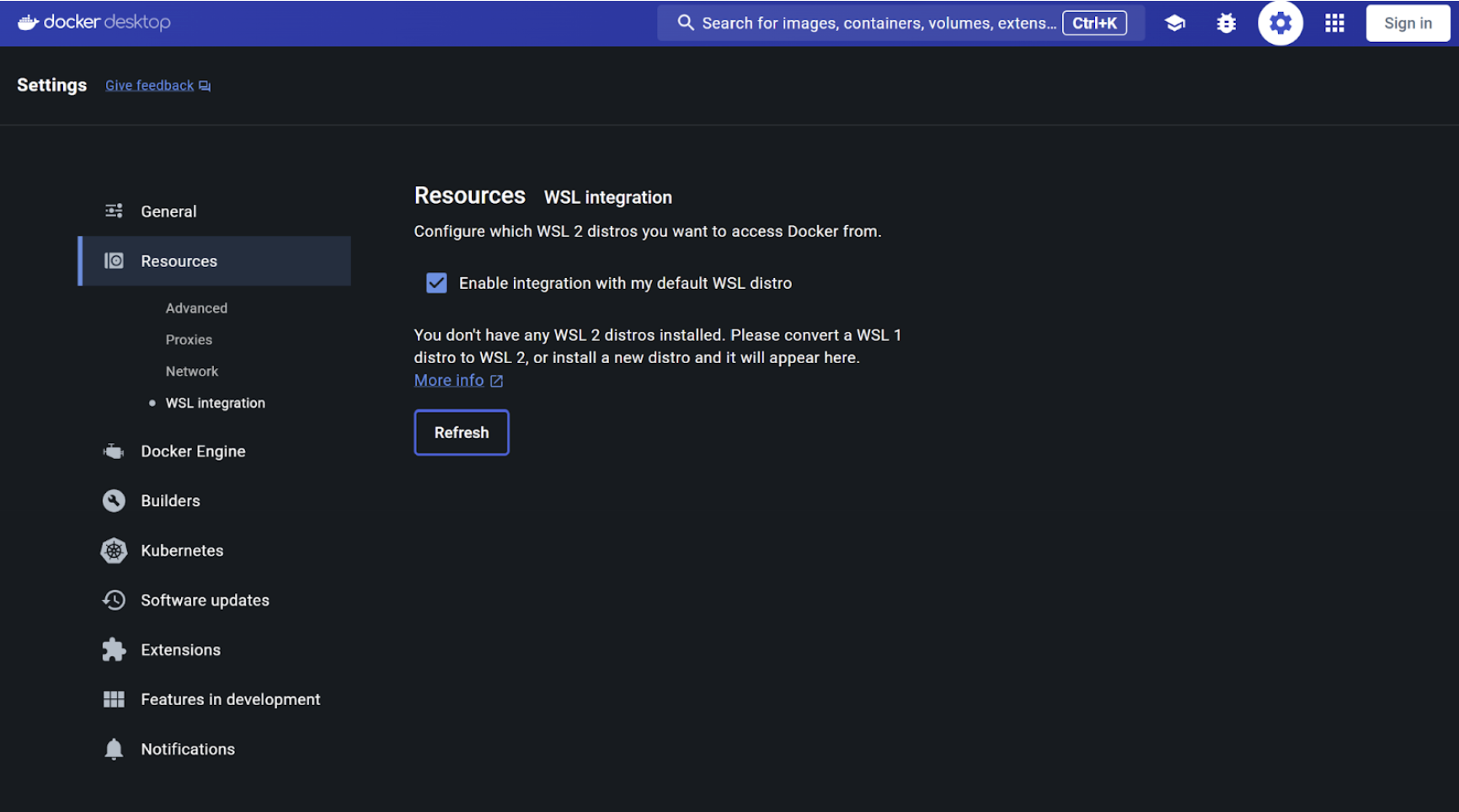
Enabling WSL 2 based engine on Docker Desktop for Windows
In case you're using Windows 11, you will need to enable WSL 2 by opening Docker Desktop > Settings > Resources > WSL Integration
2. Ollama
Download and Install Ollama on your system.
Note: For Windows Users, if you have antivirus installed on your system Ollama installation might be flagged as virus. It is advisable to disbale your antivirus/firewall before installation and enable it back once the installation is complete.